1
Test
Pick a test, enter the whole group in one pass and print the sheet with openers. Maxes, sprint times, jumps and weigh-ins all land on the roster.
Every athlete. Every rung. One ladder. Coaches run test day and print the cards. Players log every work set on a phone or a rack tablet, and the Workout TV runs the room. Put your school's colors and logo on it and it looks like your own program's app.
From $790 a year. The TV, rack tablets and print come with every plan.
How it works
One loop, all season. A max becomes a load, a load becomes a logged set, and every logged set moves the athlete up a rung.
Pick a test, enter the whole group in one pass and print the sheet with openers. Maxes, sprint times, jumps and weigh-ins all land on the roster.
Maxes turn into %1RM loads, rounded to the plates you own. Players check in, see today's work sets and log each one at the rack. A coach accepts any new max before it counts.
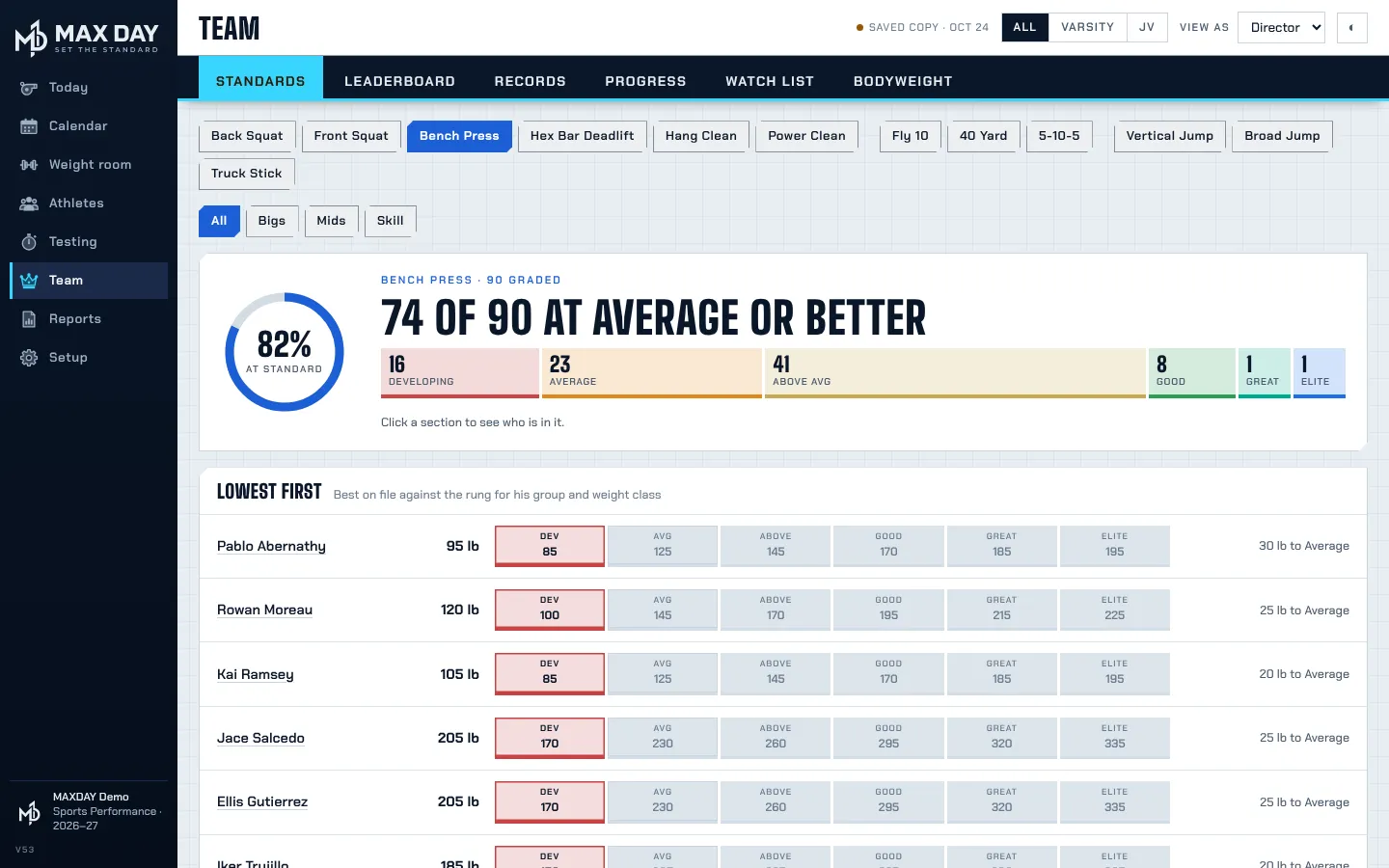
Every athlete sits on a six-rung Standards ladder, set by position group and weight class. Nobody has to guess what good looks like or what the next number is.
What's in the box
Six working pieces on one roster. A head coach can run all of it without a manual.
Enter one test for the whole group, print the sheet with openers and take weigh-ins at the same table. Lifts, sprints, jumps and AMAP sets.
Maxes become prescribed weights at 70, 75 or 80 percent, rounded to plates you own. Players see the exact number for every work set.
Six rungs from Developing to Elite for every test, by position group and weight class. See who is at standard, who moved and who is lowest first.
A single printable page for the staff meeting with percent at standard, the movers and the athletes still untested. Report cards go home with each athlete.
Lay the year out in phases on your game schedule, then build the days block by block. Each athlete's Today screen fills itself from there.
Squads, position groups and weight classes. Staff sign in with Google; players join once with a team code and a 4-digit PIN. Your Google Sheet stays the record.
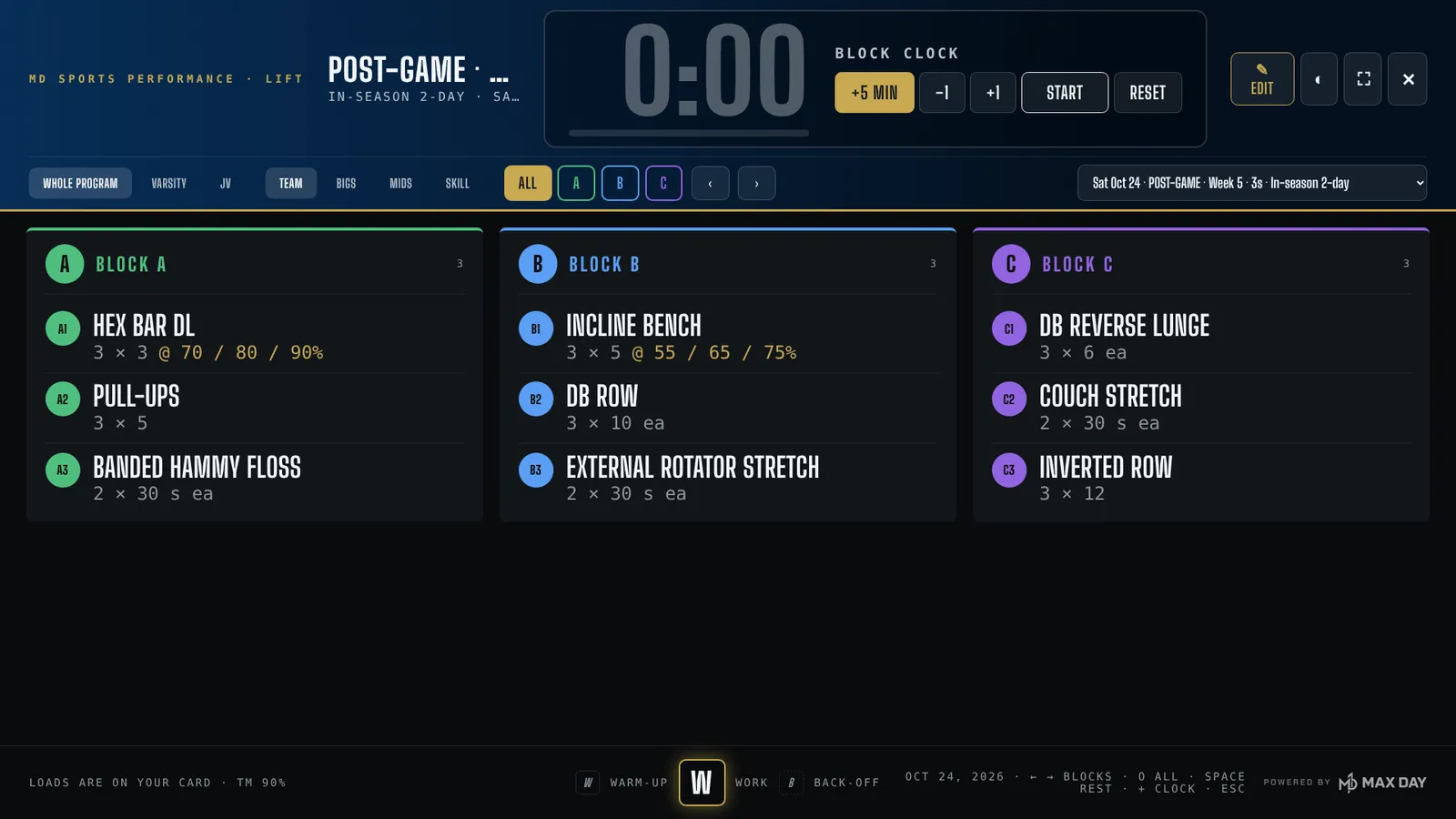
Workout TV
Any TV with a browser shows the day's blocks and the block clock. Arrow keys step through blocks, Space starts the rest timer and + adds five minutes.
MAX DAY is the OS
Give MAX DAY two colors and a logo. It works out the side menu, light and dark mode, the weight-room TVs, printed cards and report cards. If a color is too pale for text, it picks a deeper shade and shows you what it changed.
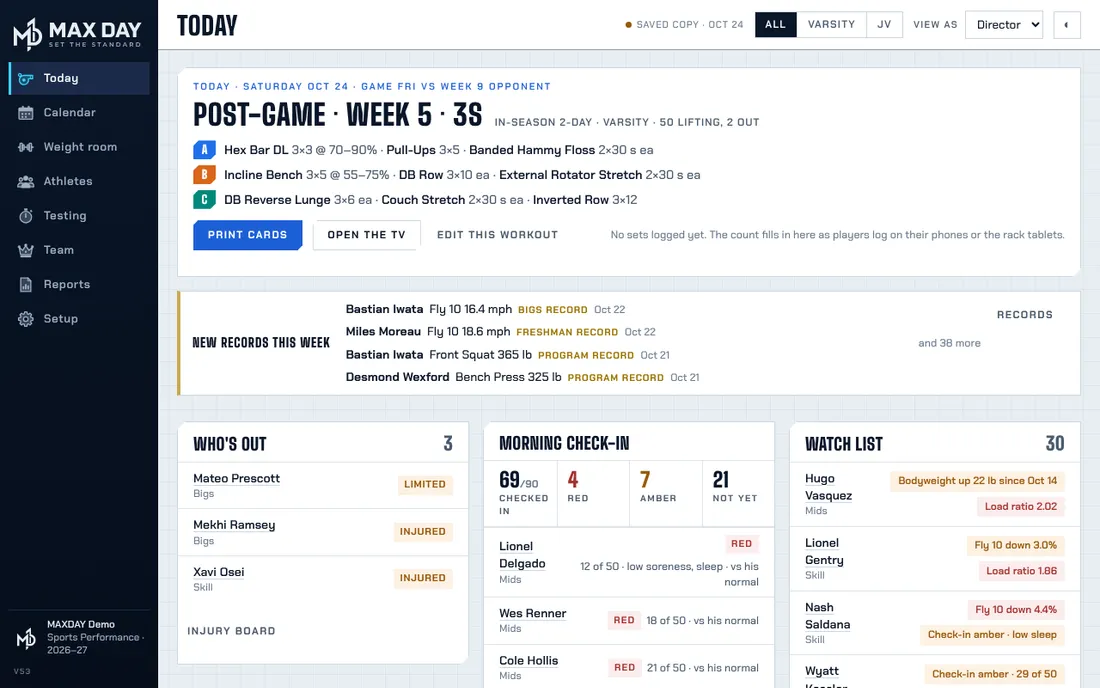
Tablet view
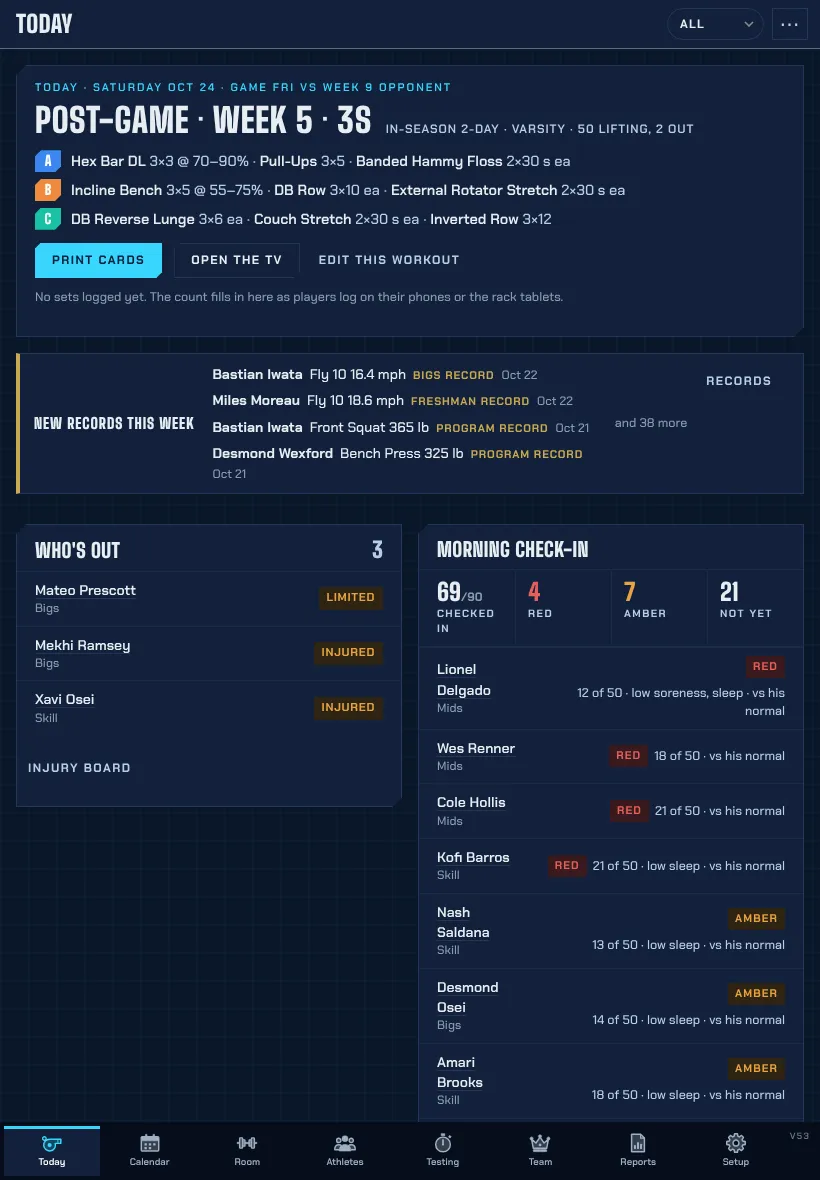
Every page fits an iPad in portrait or landscape. Carry Today and the watch list around the room, or lock a tablet to a rack so lifters log their own sets.
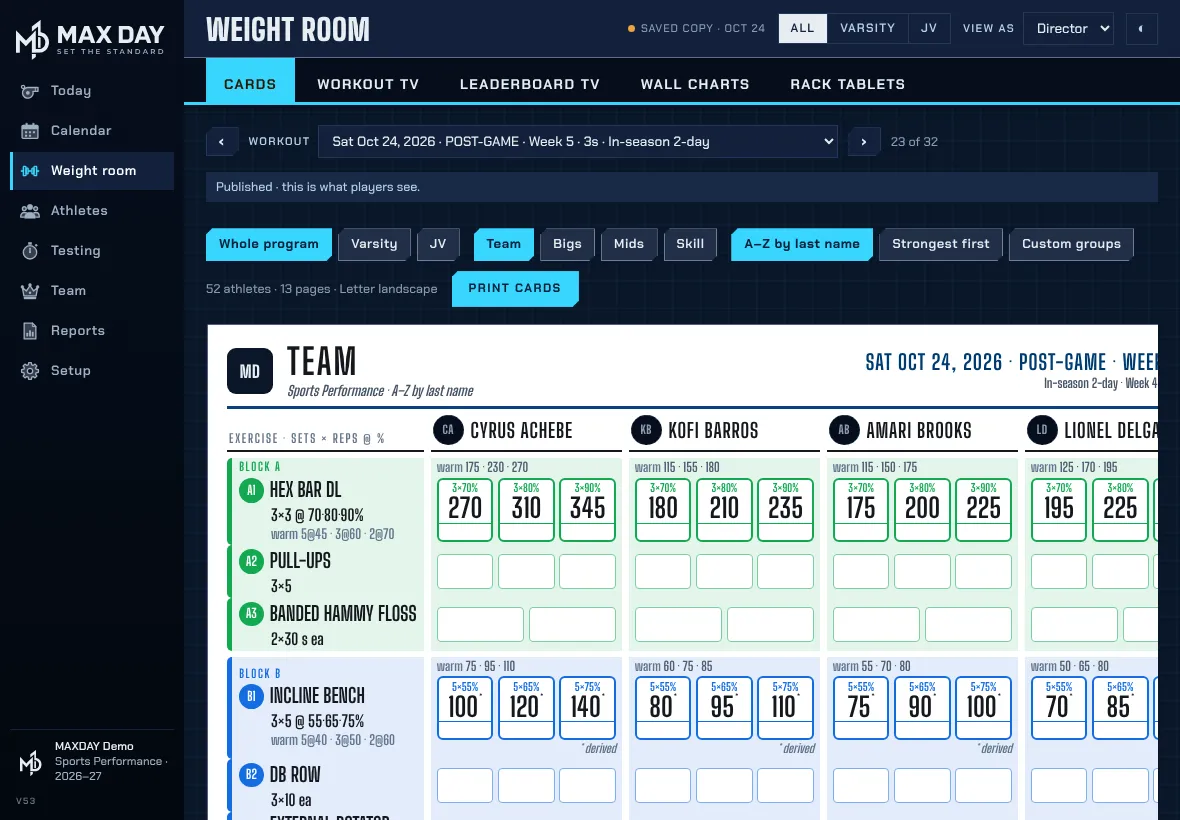
The player app
No clipboard and no lost sheet. Players see today's block and the exact weight on the bar, and log each work set before they rack it.
Scan the code on the weight-room wall, or type the address.
Team code, pick your name, make a 4-digit PIN.
In Safari tap Share, then Add to Home Screen. It keeps working without signal in the weight room.
Pricing
Pay by school purchase order (invoiced Net 30) or by card. One program, every squad, no athlete cap.
For the head coach without a strength coach. The plans are written for you.
For programs with a strength coach who writes their own.
Department pricing puts a whole athletic department on one invoice and one purchase order, with each program in its own colors. Everything in Performance, for every program.
Every plan: printed cards and rack sheets with each athlete's weights, the Workout TV with a block clock, rack tablets, the player phone app, testing, AMAP sets, standards, records and your own skin. Prices in US dollars, before any sales tax.
Sign up
Tell us who you are and which plan fits. We'll send a quote, a PO form if your school needs one, and a preview in your colors.
Open the demo in any browser, or send the form and we'll set up a preview in your colors.
Sign up Open the demo